A visitor submits a form, checkout or link click.
Your WordPress connector or SafeLink sends the visitor IP, email and context to LeadShield Cloud.
 LeadShield Cloud
WPZora LeadShield Cloud checks emails and visitor IPs before you accept a lead, signup, order, form submission or external link click. It helps block fake emails, proxy/VPN users, datacenter traffic and risky visitors in one simple dashboard.
Enter your domain and a test email. LeadShield will check domain trust, email quality, deliverability signals and your visitor IP risk. This is a real scan, not a fake score.
Use this video to explain how LeadShield protects forms, checkout pages, WordPress registrations, and external links with email and IP protection.
Before someone becomes a lead, user, buyer or visitor, LeadShield asks a simple question: “Does this look safe?” If the answer is no, it can block the attempt before it reaches your system.
Your WordPress connector or SafeLink sends the visitor IP, email and context to LeadShield Cloud.
It can detect invalid emails, disposable emails, role emails, proxy/VPN traffic, datacenter IPs, ASN/ISP/hostname rules and more.
You manage all rules from the SaaS dashboard. The WordPress connector only connects and enforces the decision.
LeadShield validates emails before capture. It can help block disposable emails, invalid addresses, bad syntax, suspicious aliases, low quality emails and other risky submissions.
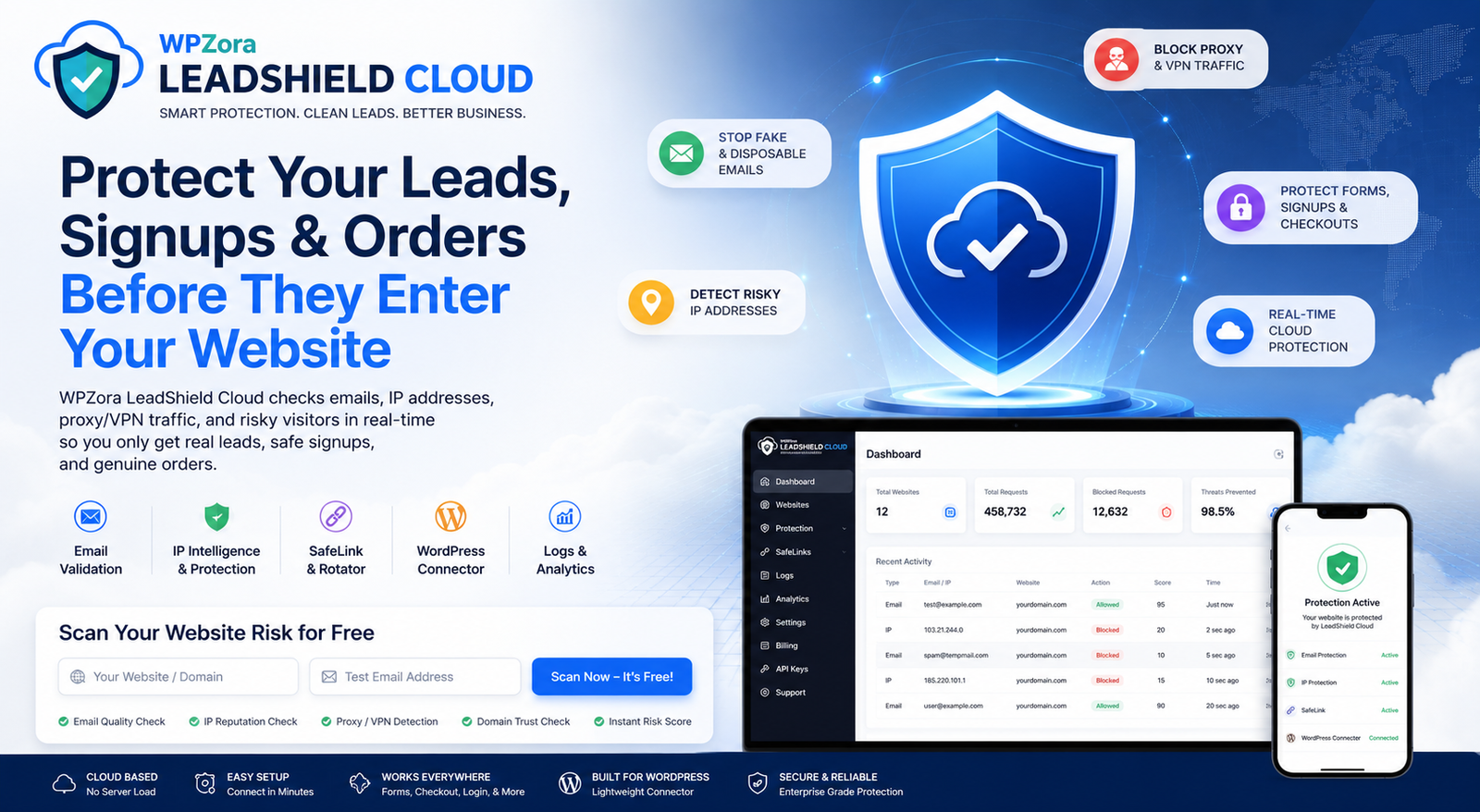
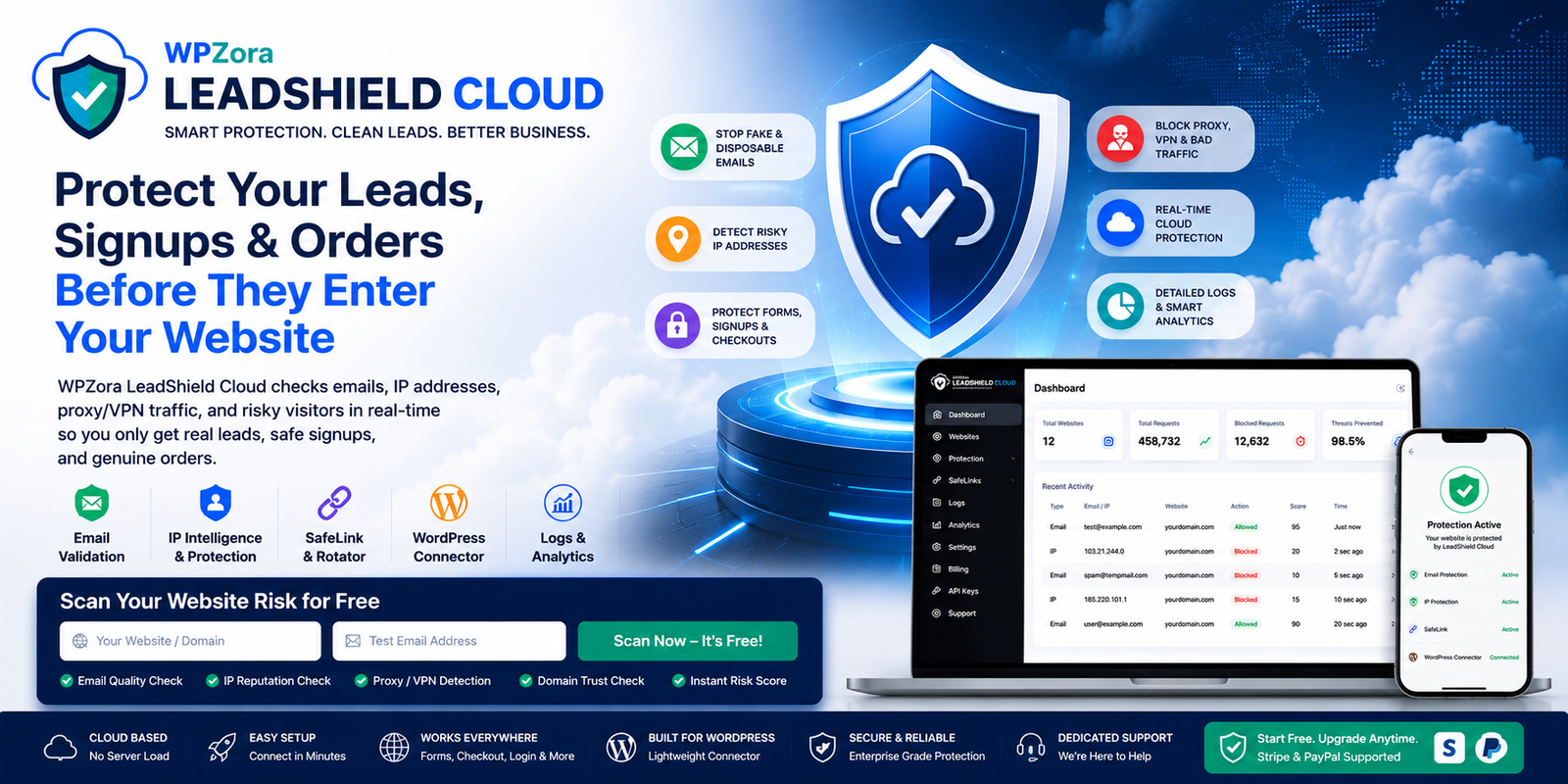
LeadShield can check visitor IPs with real intelligence. It can also follow your own rules for IP lists, ASN, ISP, hostname, country and sitewide page visit protection.
If someone enters a fake or risky email, LeadShield can stop it before it enters your lead list.
If a WooCommerce buyer uses a risky email or proxy IP, LeadShield can block the checkout attempt.
If bots or risky users try to register, LeadShield can check both email and IP before account creation.
SafeLink checks traffic before sending people to any external URL or rotator destination.
Customer sites can be connected with an API key. You decide what to protect: registration, login, checkout, comments, Contact Form 7, sitewide IP visits, Universal API and SafeLinks.
Scan your site, create a free account, connect the WordPress plugin, and turn on the protection policies you need.